Built on VSCode

The IDE that thinks
with you

Drift puts Claude, Codex, and Gemini directly into your editor. Not as a sidebar chatbot — as agents with full access to your terminal, files, and git. The tools you already know, with intelligence woven in.
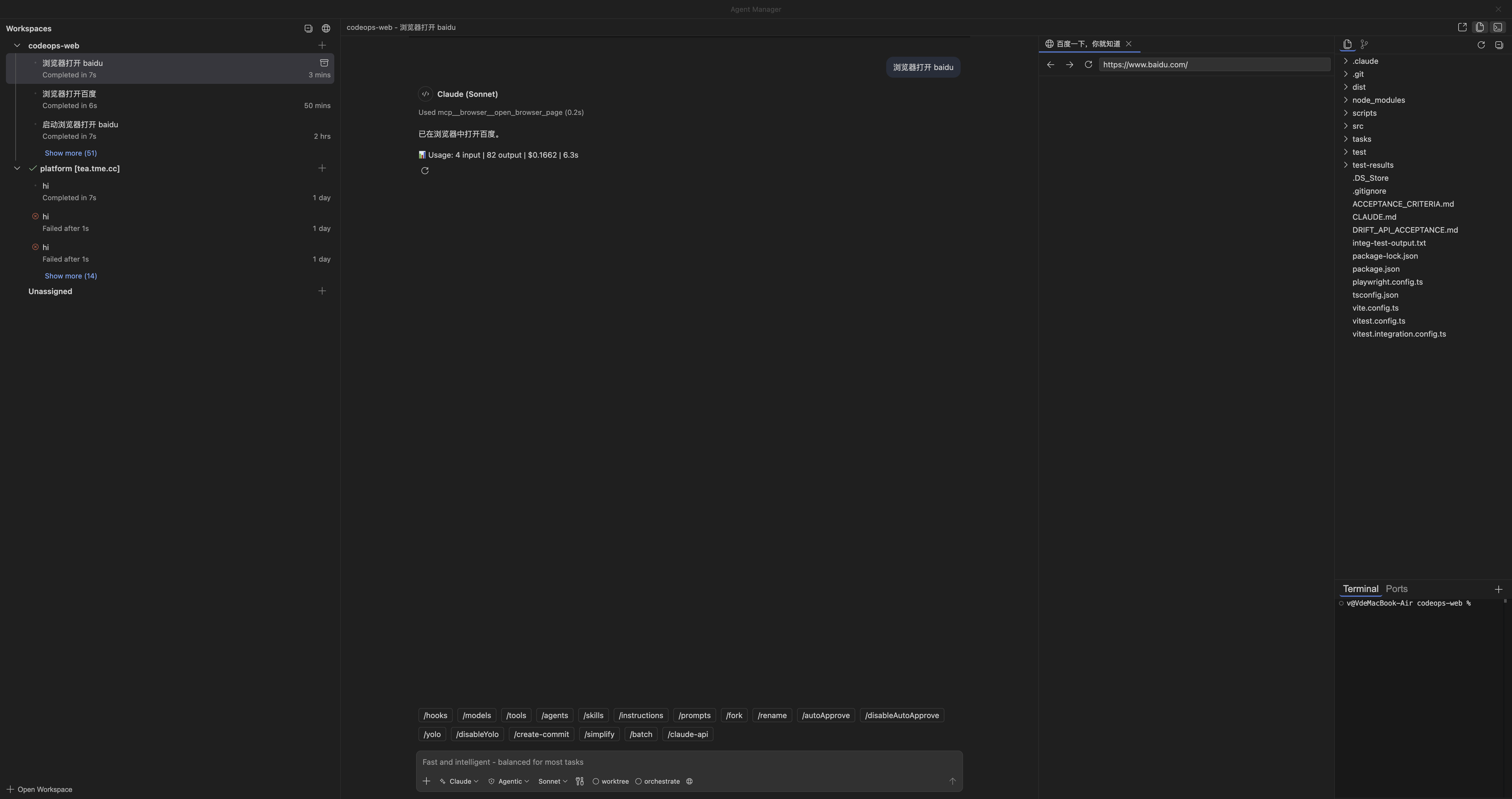
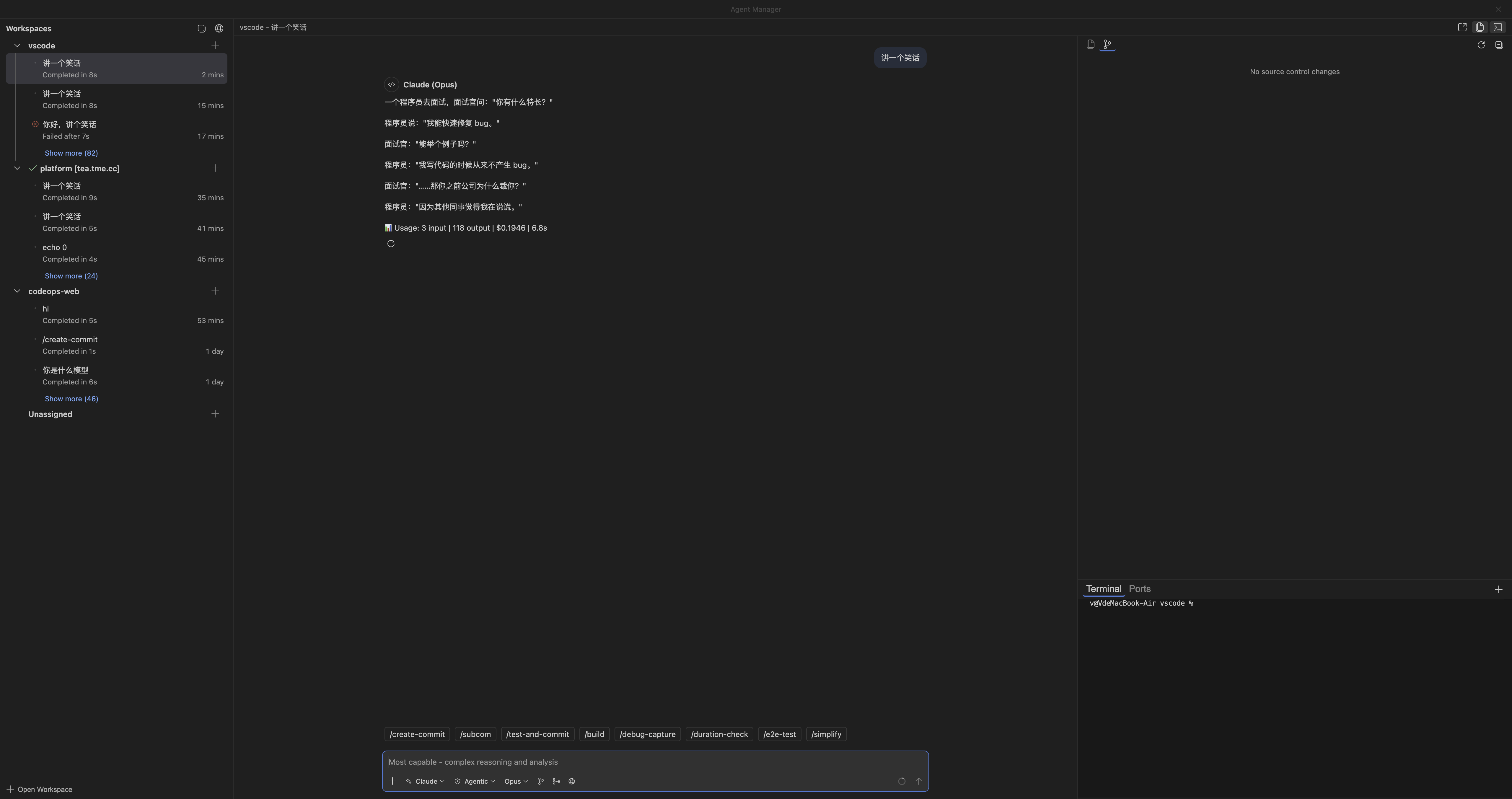
Drift IDE — Agent Manager with workspace, chat, file explorer, browser, and terminal

Works with the models you trust

Claude
Codex
Gemini

Not another wrapper

Drift is a full IDE — editor, terminal, debugger, extensions, git — with agents that operate at the same level you do. They read your files, run your tests, and commit your code.

Agent Manager

Every session, every workspace.
One place.

Run multiple agents across different projects simultaneously. Each session gets its own workspace with a dedicated file explorer, source control, and terminal. Switch between them instantly.

  • Multiple workspaces — local and remote SSH
  • Built-in file explorer, diff viewer, and git integration
  • Isolated terminal per session
Agent Manager — multiple workspaces with chat and source control
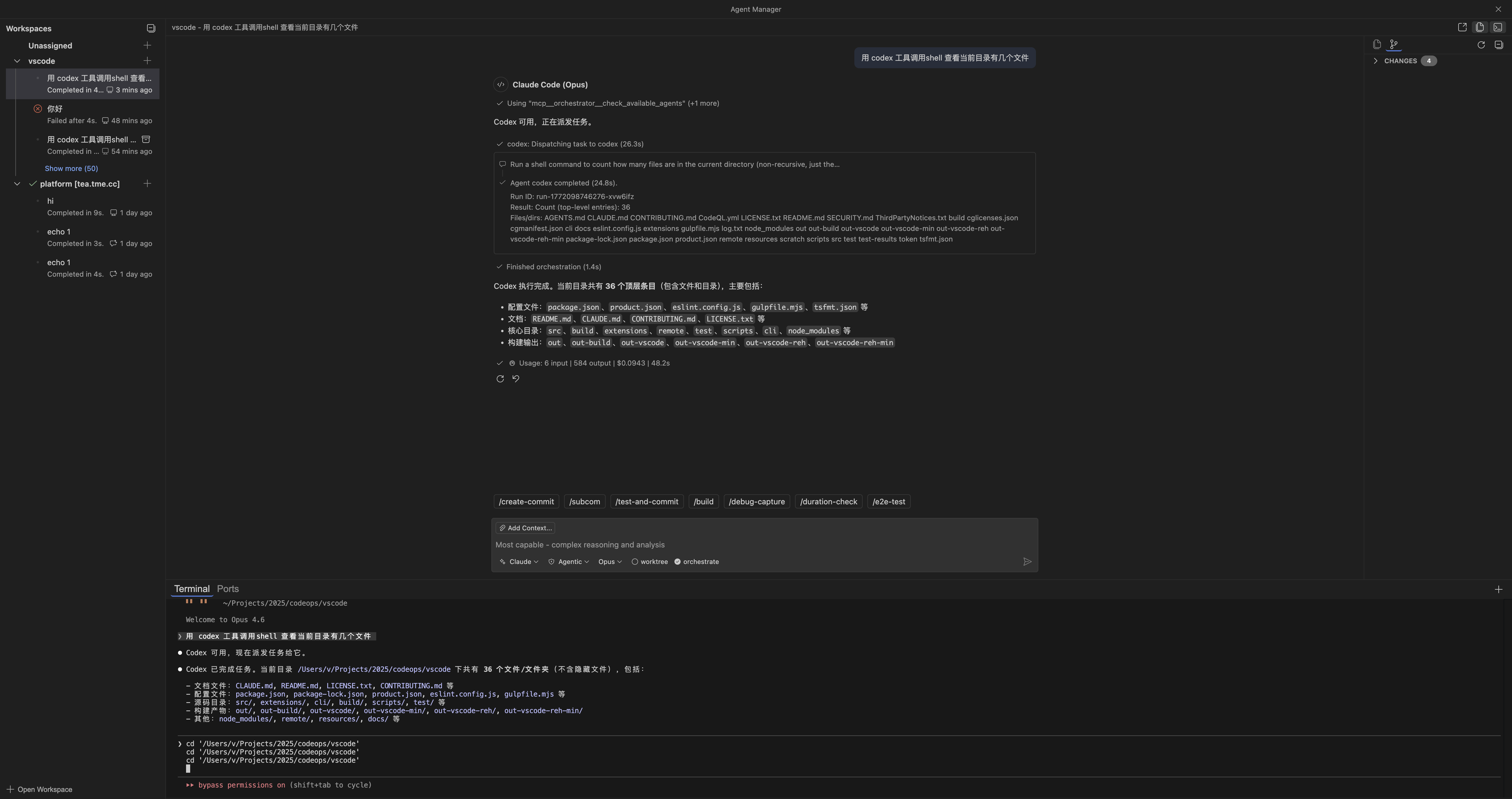
Multi-agent orchestration — Claude and Codex working together
Multi-Agent

One conversation.
Multiple minds.

Claude handles reasoning. Codex runs shell commands. Gemini manages context. Drift orchestrates them seamlessly in a single conversation — pick the right model for each task, or let the system route automatically.

  • Switch between Claude, Codex, and Gemini mid-conversation
  • Cross-model orchestration with task delegation
  • Usage tracking with cost and duration metrics
Full IDE

Your editor.
Not a prototype.

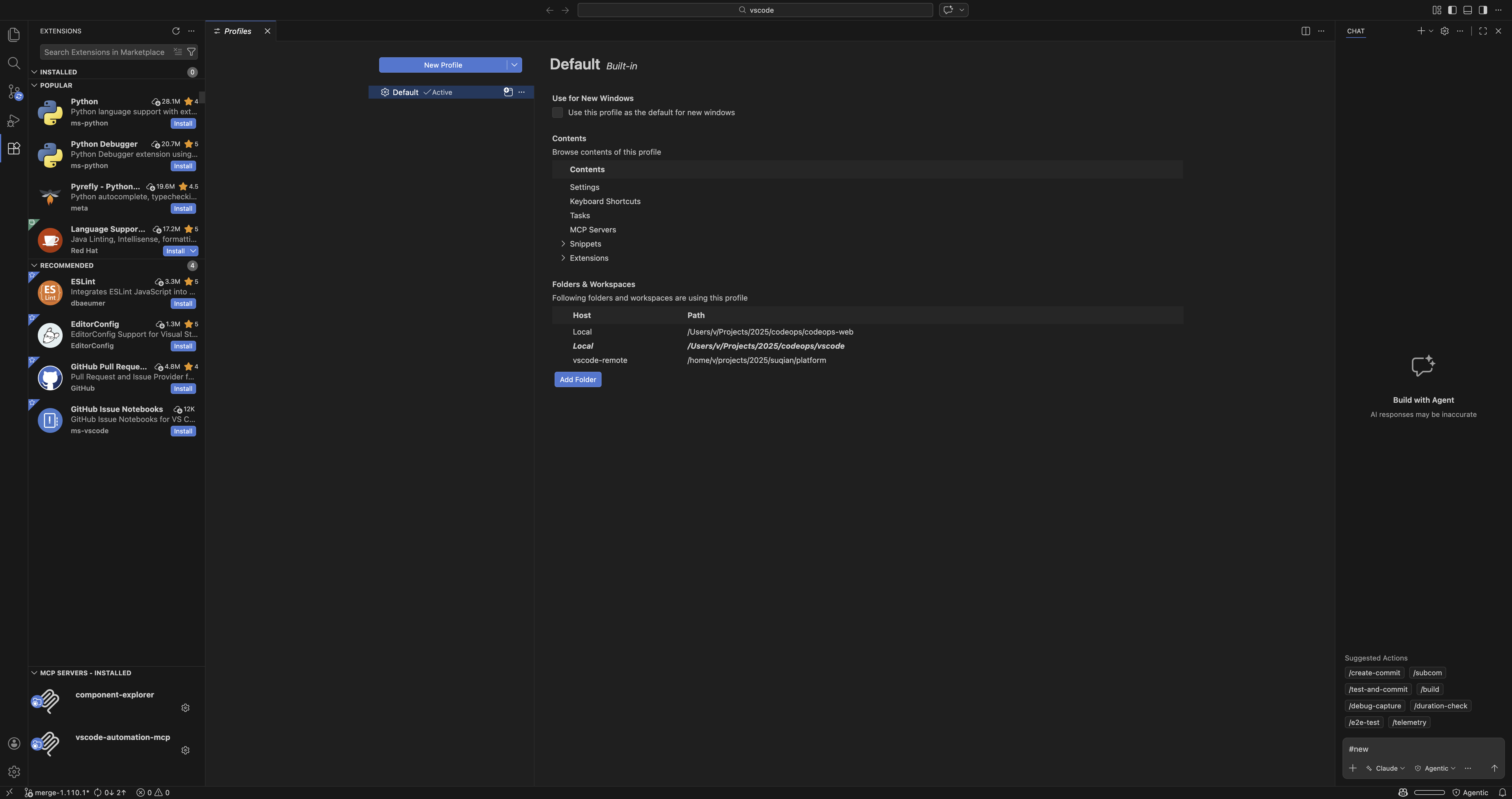
Built on VSCode, Drift inherits everything — extensions, keybindings, themes, settings sync. Your existing workflow stays intact. The intelligence is additive, not disruptive.

  • Full VSCode extension ecosystem
  • Profiles, settings sync, and keybinding import
  • MCP server support and custom skills
Drift IDE — full VSCode experience with extensions and profiles
Connected to tea.tme.cc
$ drift ssh [email protected]

Connected. Remote Extension Host running.
Workspace: /home/v/projects/myapp
Agent:    Claude (Opus) — ready

$ // Your agent runs where your code lives.
$ // No sync. No lag. No workarounds.
Remote SSH

Develop anywhere.
Agents follow.

Connect to any Linux server over SSH. The agent runs directly on the remote machine — reading files, running commands, and editing code with zero latency. No file sync, no cloud dependency.

  • Built-in SSH — no extension required
  • Remote Extension Host with automatic deployment
  • Port forwarding and tunnel support

What your agent can do

These aren't suggestions in a dropdown. These are actions the agent takes autonomously, with your approval.

Edit files

Read, create, and modify files across your project with inline diff preview before applying.

Run commands

Execute shell commands, run tests, install packages. Output streams in real-time to the terminal.

Manage tasks

Plan work with structured task lists, track progress, and break complex problems into steps.

Browse the web

Fetch documentation, check API references, and pull context from URLs — right inside the conversation.

Spawn sub-agents

Delegate research, testing, and parallel tasks to background agents that report back when done.

Custom skills

Define project-specific slash commands and workflows. Your agent learns your team's conventions.

Get started

Bring your own API keys. No subscription required for the IDE itself.